If you’ve ever uploaded a video and wondered, “Should I burn the captions in or let viewers turn them on?” — you’re not alone.
The difference between open and closed captions might sound technical, but it actually impacts accessibility, engagement, branding, discoverability, and even how people experience your content.
As someone who’s worked with creators, social teams, and video editors across Instagram, YouTube, online courses, and streaming platforms, I can tell you this: choosing the right caption type isn’t just a technical decision — it’s strategic.
What Are Open Captions?

Open captions are captions that are permanently embedded into a video. They cannot be turned off.
If you’ve seen subtitles that are always visible — even when you try to disable them — those are open captions.
They are:
-
Burned directly into the video file
-
Always visible to every viewer
-
Not dependent on a platform’s caption settings
-
Not customizable by the viewer
Think of them like text that becomes part of the video itself.
What Are Closed Captions?

Closed captions are captions that can be turned on or off by the viewer.
They are:
-
Separate from the video file
-
Uploaded as a caption file (like SRT or VTT)
-
Controlled by the viewer
-
Often customizable in size, font, and color
They’re “closed” because they’re hidden unless the viewer activates them.
The Core Difference Between Open and Closed Captions
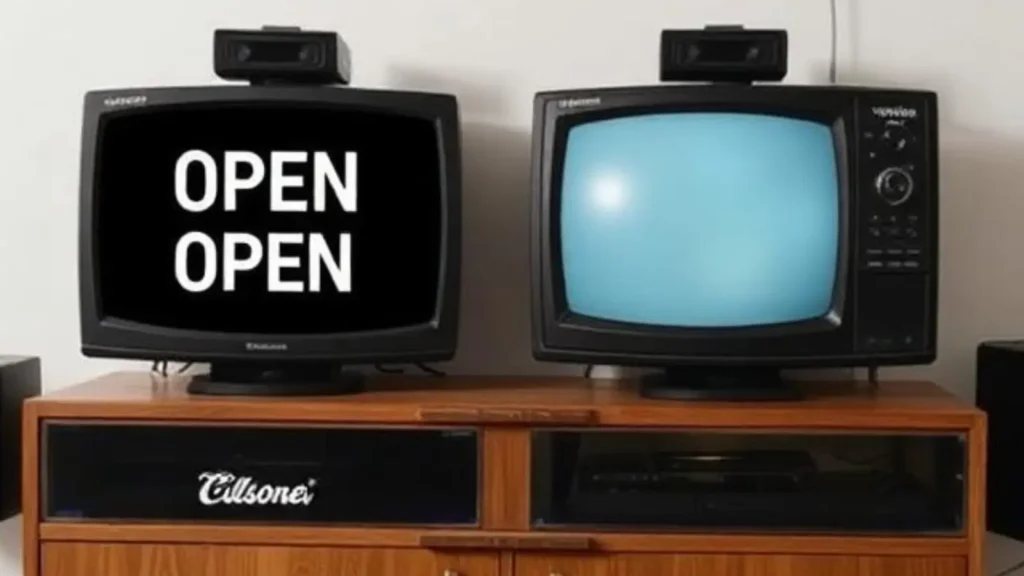
Here’s the simplest breakdown:
Open captions = always on
Closed captions = optional and user-controlled
But the real difference between open and closed captions goes deeper than visibility.
It affects:
-
Accessibility compliance
-
Platform behavior
-
Viewer control
-
Branding
-
Search indexing
-
Editing flexibility
Let’s unpack this properly.
Accessibility: Why the Difference Matters
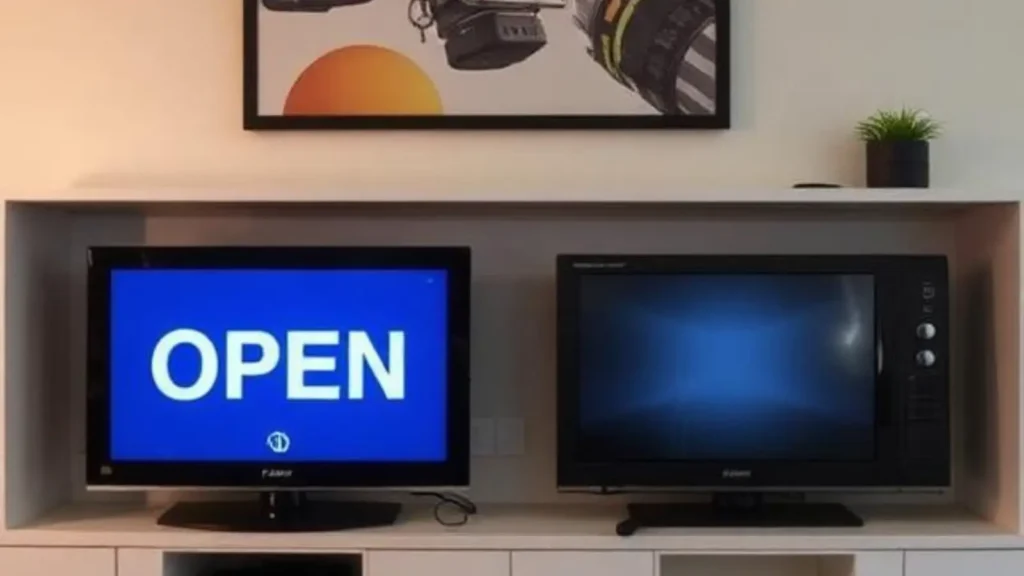
Both open and closed captions improve accessibility — but in different ways.
Closed Captions and Accessibility
Closed captions:
-
Include dialogue
-
Often include sound descriptions (e.g., [door slams], [music playing])
-
Are designed for people who are deaf or hard of hearing
-
Follow accessibility standards (like ADA or WCAG guidelines)
They’re considered the gold standard for accessibility compliance.
Open Captions and Accessibility
Open captions:
-
Ensure captions are always visible
-
Work on platforms where viewers don’t enable captions
-
Help in silent autoplay environments (like social media feeds)
However, they usually don’t include full descriptive audio details unless intentionally added.
If you’re publishing content that must meet legal accessibility requirements (like educational content or corporate training), closed captions are often mandatory.
Platform Behavior: Social Media vs Streaming
The difference between open and closed captions becomes especially important depending on where your video lives.
On Social Media (Instagram, TikTok, Facebook)
-
Many viewers watch with sound off
-
Open captions boost immediate comprehension
-
Burned-in captions improve engagement and retention
That’s why you see bold, stylized captions everywhere.
On YouTube
-
Closed captions are highly recommended
-
YouTube can index caption files for search
-
Closed captions help SEO
On Netflix, Hulu, Prime Video
-
Closed captions are standard
-
Viewers expect control
-
Accessibility regulations apply
Different platforms = different caption strategies.
SEO & Discoverability: A Hidden Advantage of Closed Captions
Here’s something many creators miss:
Closed captions can improve discoverability.
Why?
Because caption files are text-based.
Search engines can crawl them.
That means:
-
Keywords inside captions can support SEO
-
YouTube can use them for better indexing
-
AI systems can understand video content more accurately
Open captions, on the other hand, are baked into the video image. Search engines cannot read them unless additional metadata is provided.
So if discoverability matters, closed captions give you an edge.
Branding & Aesthetic Control
Open captions allow complete creative control.
You can:
-
Choose custom fonts
-
Use brand colors
-
Animate text
-
Highlight keywords
-
Emphasize tone
That’s why many influencers prefer open captions — they become part of the brand experience.
Closed captions, by contrast:
-
Follow platform formatting
-
Are usually plain
-
Limited in design flexibility
If your brand relies heavily on stylized storytelling, open captions offer more visual impact.
Viewer Control & Personalization
Closed captions win in one key area: user autonomy.
Viewers can:
-
Turn them on or off
-
Adjust size
-
Change color
-
Modify background contrast
Open captions don’t offer that flexibility.
For accessibility best practices, giving viewers control is generally better.
Editing & Workflow Differences
From a production standpoint, the difference between open and closed captions affects your workflow.
Open Captions:
-
Require editing inside the video file
-
Must be re-exported if changes are needed
-
Cannot be modified after publishing
Closed Captions:
-
Uploaded as separate files
-
Easy to update without re-rendering video
-
Can be corrected quickly
If you anticipate frequent updates, closed captions are far more efficient.
Translation & Multilingual Content
Closed captions are better for multilingual distribution.
Why?
Because you can upload multiple caption files.
For example:
-
English captions
-
Spanish captions
-
French captions
-
Arabic captions
Viewers choose their language.
Open captions only display one language unless you create multiple video versions.
For global reach, closed captions are more scalable.
Cost & Production Considerations
Open captions:
-
Often require manual styling
-
Take more design time
-
Increase editing complexity
Closed captions:
-
Can be auto-generated
-
Edited for accuracy
-
Faster to produce at scale
For large organizations or high-volume content teams, closed captions are usually more cost-efficient.
When Should You Use Open Captions?
Use open captions when:
-
Posting short-form social videos
-
You want guaranteed visibility
-
Branding is a priority
-
You’re targeting silent autoplay
-
You want stylized storytelling
They’re powerful for engagement-first environments.
When Should You Use Closed Captions?
Use closed captions when:
-
Accessibility compliance is required
-
You’re publishing long-form content
-
SEO matters
-
You want translation options
-
Viewer control is important
They’re ideal for educational, corporate, and searchable platforms.
Can You Use Both?
Yes — and many professionals do.
For example:
-
Use open captions for social media clips
-
Use closed captions for YouTube uploads
-
Keep caption files for SEO
-
Burn in stylized hooks for branding
This hybrid approach combines visibility with discoverability.
Common Myths About Open vs Closed Captions
Myth 1: They’re the same thing
No — control and format are completely different.
Myth 2: Open captions are better for accessibility
Not necessarily. Closed captions are often more compliant.
Myth 3: Closed captions look unprofessional
Only if left unedited. Clean caption files look fine.
Myth 4: Captions don’t affect engagement
They absolutely do — especially in silent environments.
The Future of Captions in AI & Voice Search
With AI-driven search and voice assistants growing, captions matter more than ever.
Closed captions help:
-
AI understand spoken content
-
Improve video summaries
-
Support search snippets
-
Enhance voice query matching
The difference between open and closed captions now affects how machines interpret your content — not just humans.
Quick Comparison Table
| Feature | Open Captions | Closed Captions |
| Can be turned off | No | Yes |
| SEO indexable | No | Yes |
| Accessibility compliant | Sometimes | Yes |
| Design control | High | Limited |
| Multilingual support | Limited | Strong |
| Editing flexibility | Low | High |
Final Thoughts: Choosing the Right Caption Strategy
The difference between open and closed captions isn’t about which one is better.
It’s about context.
Open captions shine in engagement-driven environments where attention is short and branding matters.
Closed captions shine in accessibility-driven, search-driven, and scalable environments.
If you’re serious about video strategy — especially in 2026 where AI, accessibility, and discoverability all intersect — understanding this difference isn’t optional.
It’s foundational.
And the smartest creators?
They use both — intentionally.
Whether you’re a solo creator, a marketer, an educator, or a streaming publisher, captions are no longer a “nice-to-have.”
They’re part of how your message travels.
Choose wisely.

Ava motivational aur self-growth captions likhti hai. Uska content positivity, confidence aur success mindset ko promote karta hai.